Radiometer – Create Irradiance Calibration
- Turn on your calibration lamp and allow it to warm up for several minutes
- Set up your spectrometer, fiber optic cable, and light collecting accessories (e.g. CR2, IC2).
- Open StellarPro software and connect your spectrometer
- Navigate to the Radiometer App
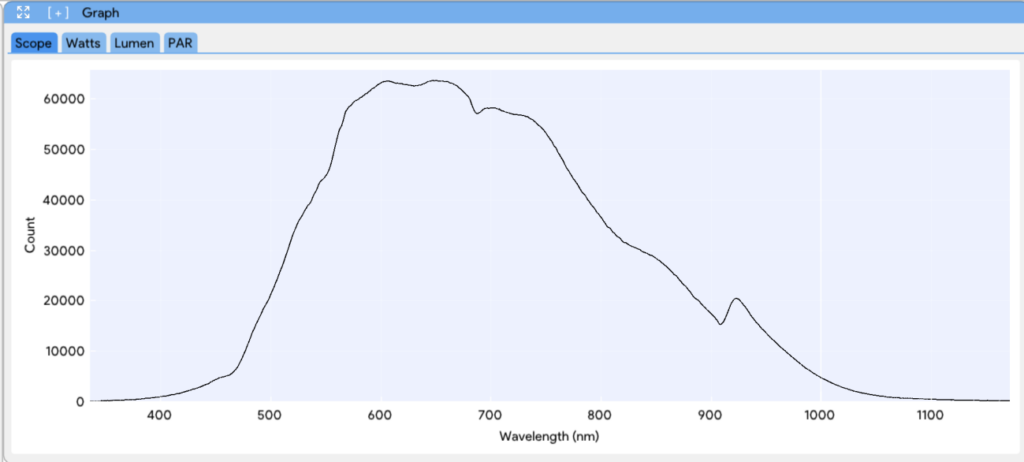
- While in SCOPE mode adjust the detector integration time, spectral smoothing controls, and scans to average for an optimized “bell shape” signal:
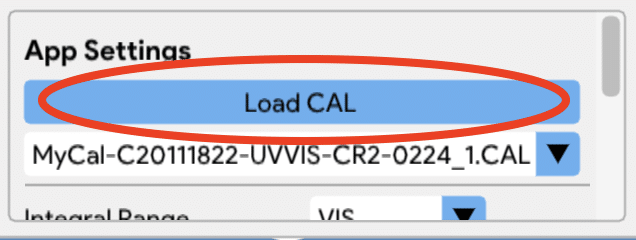
- To begin calibration, right-click on “Load CAL” in the App Settings:

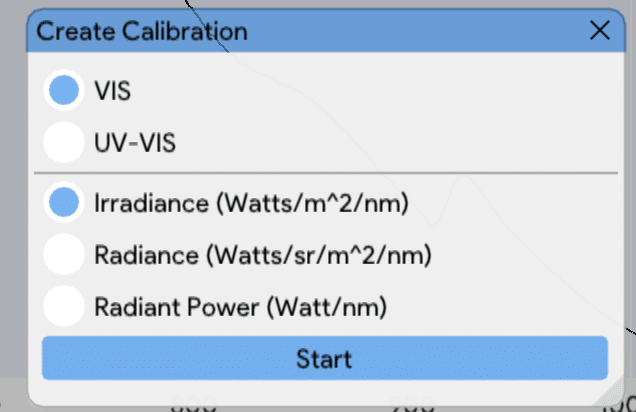
- A prompt will appear with options for VIS or UV-VIS calibration and the geometry of the calibration. For this example, we will be using VIS and Irradiance. Choose the correct options for your specific geometry. When you are ready, click Start.

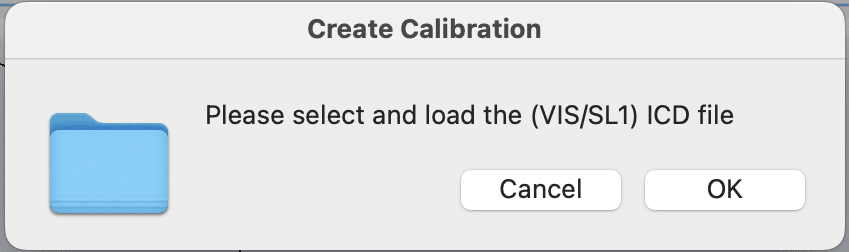
- You will first be asked for the lamp calibration file:

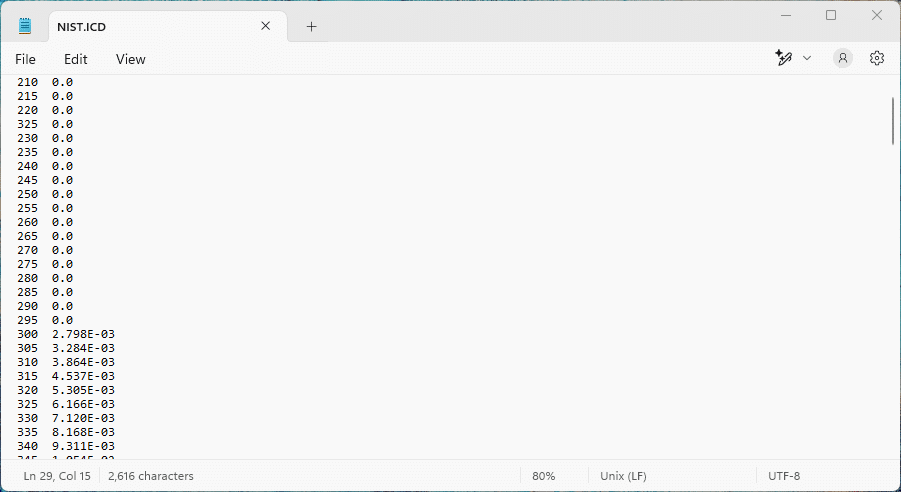
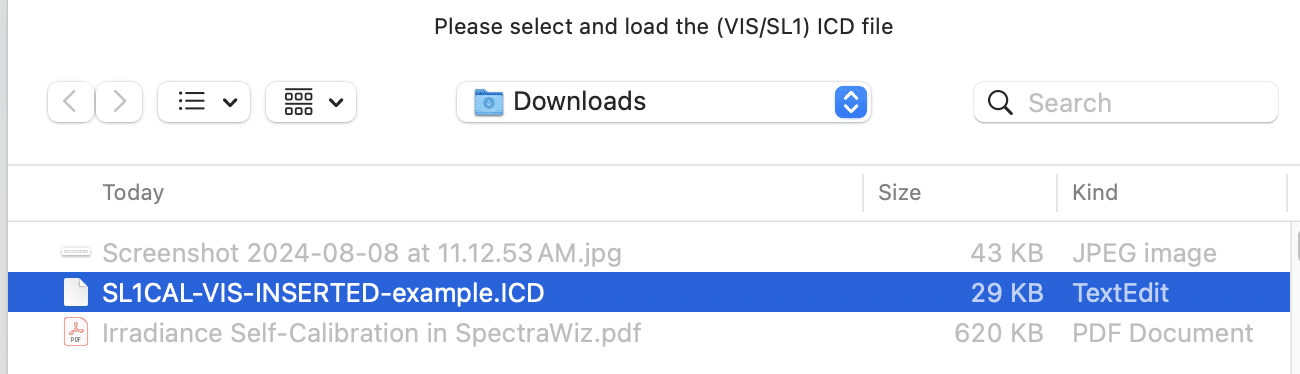
- * Navigate to the correct .ICD file – this can be found on the USB that was shipped with your calibration lamp. This file should be supplied with the lamp, giving a 2-column format of the wavelength and compensated power values in (W/m^2). For the StellarNet model SL1-CAL light source, you will have one file for the inserted position and another for the at plane position.

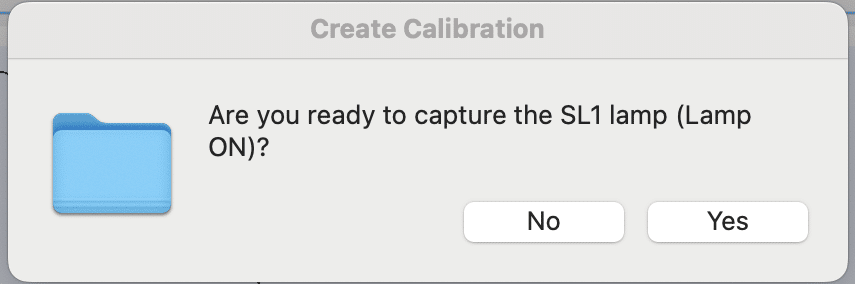
- You will be asked if you are ready to capture the SL1 lamp – this assumes that your conditions have already been optimized and your lamp is on. If you are ready, click Yes.

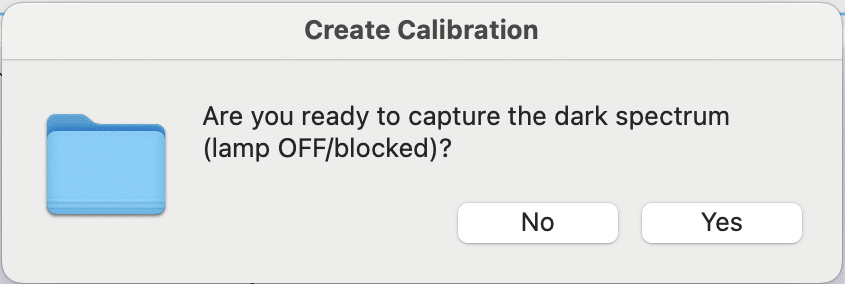
- Next, you’ll be asked to turn off the lamp to capture the dark spectrum. Once the lamp is turned off – click Yes.

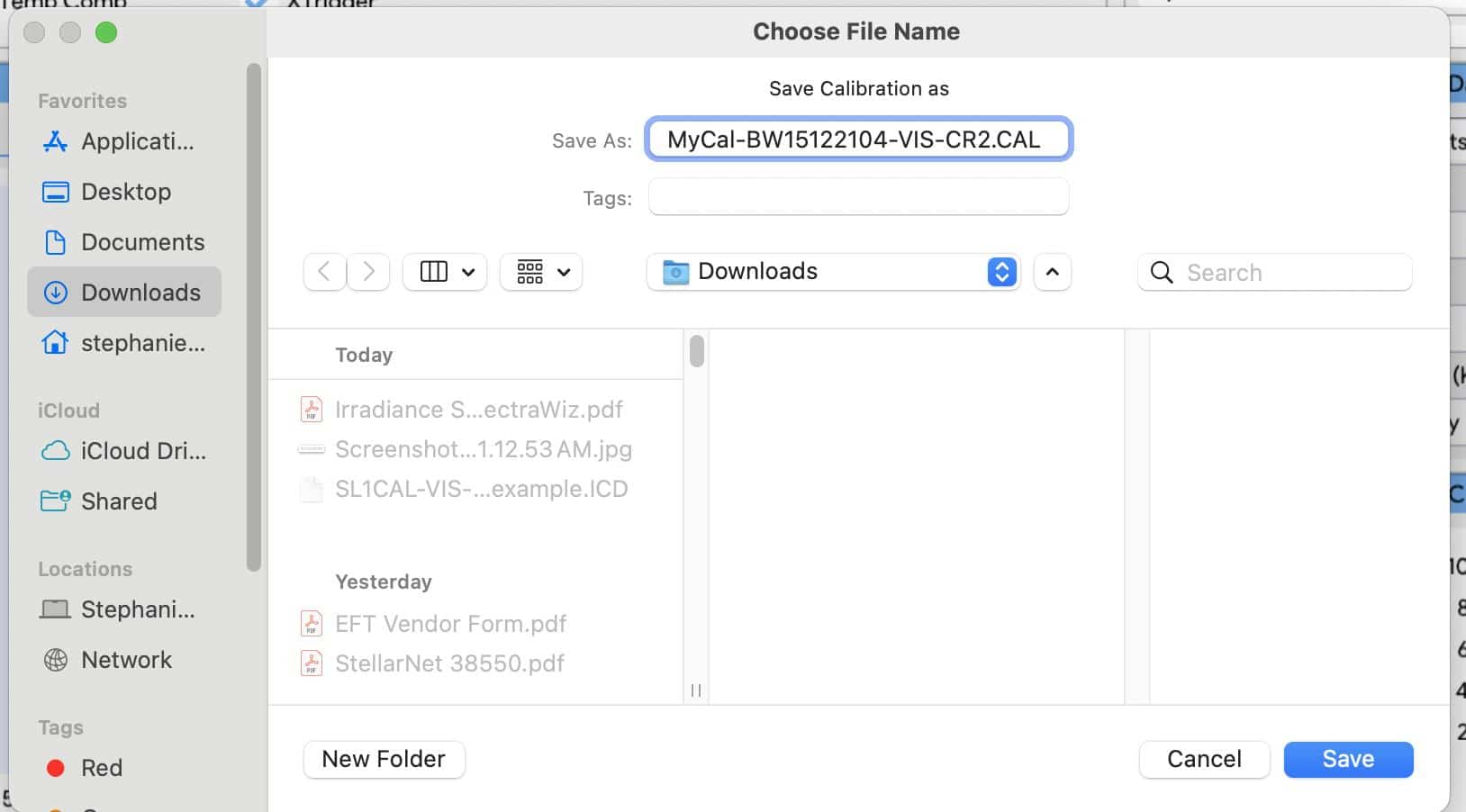
- The software will take the dark measurement and a new prompt will appear for you to name your calibration file. The extension of the calibration file is .CAL – you can choose to name your calibration file how you’d like, but at StellarNet we include the spectrometer type (BLUE-Wave, BLACK-Comet, SILVER-Nova, etc), serial number, calibration type, and accessory used. This can be helpful if you have multiple calibration types.

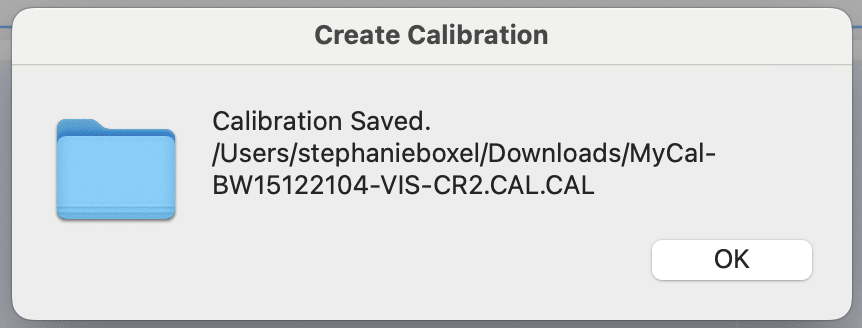
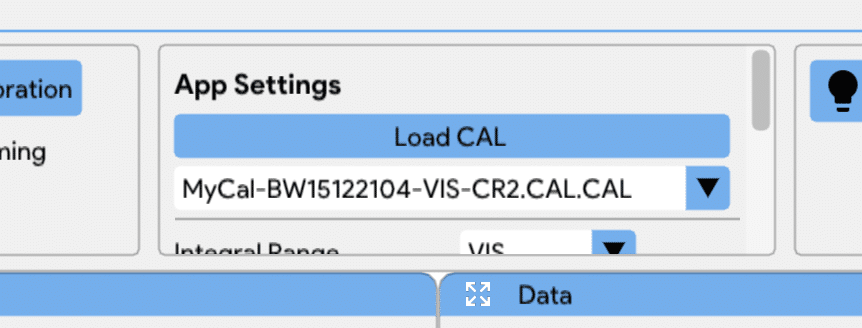
- The software will save the calibration and automatically load this file as the current calibration.


- You can now begin your measurements.
Note: * If you have your own Intensity Corrected Data (ICD) file for the lamp, you can format it as follows: the first column should contain the wavelength, and the second column should contain the corresponding compensated power values in Watts/m², with two spaces separating the columns. The file extension should be .ICD. An example is provided below: