
StellarPro RadiantSuite Software
Advanced Radiometry Software for Business and ResearchStellarPro™ RadiantSuite 
Advanced Radiometry Software
for Windows, Mac, & Linux
Popular Applications: All Spectrometers, SpectroRadiometers, Colorimeters, LED Measurement, NIR, Solar Analysis, Displays, Lasers, & Plasma
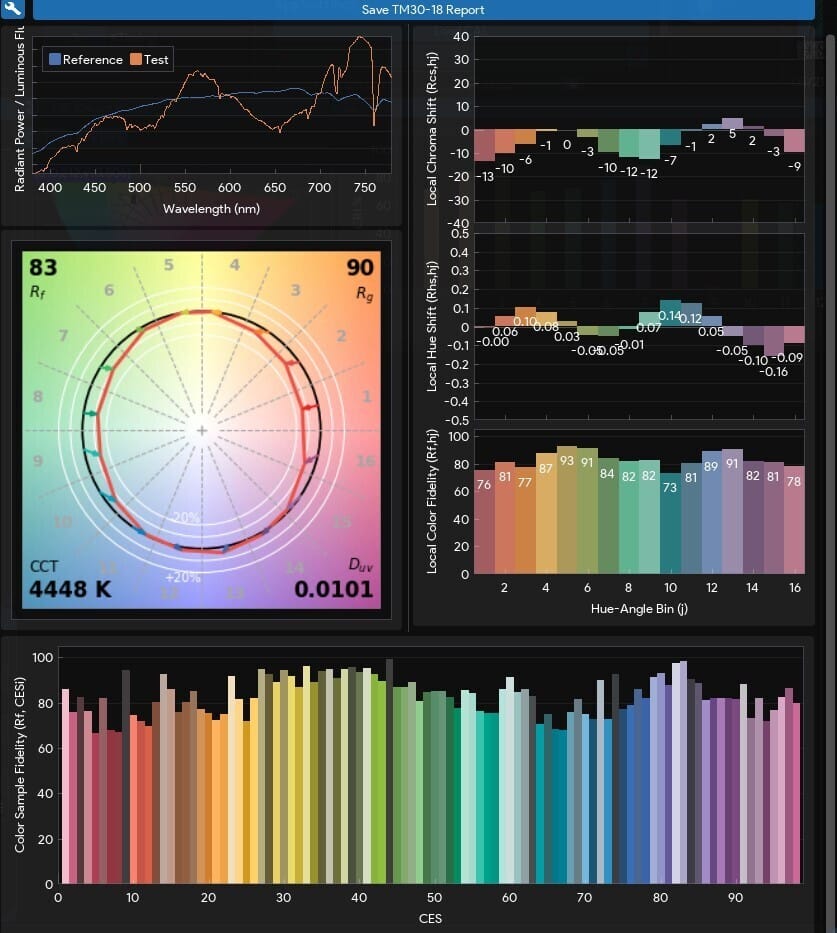
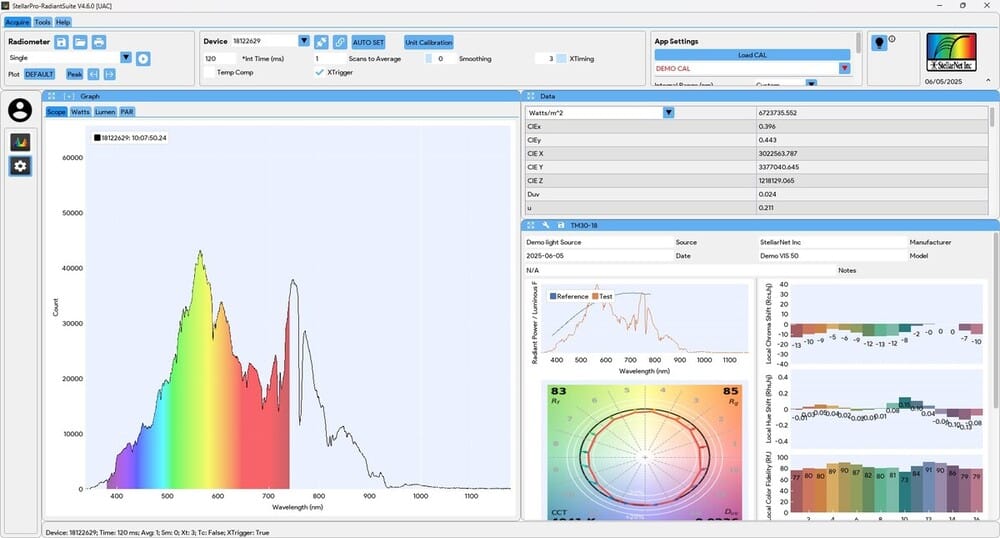
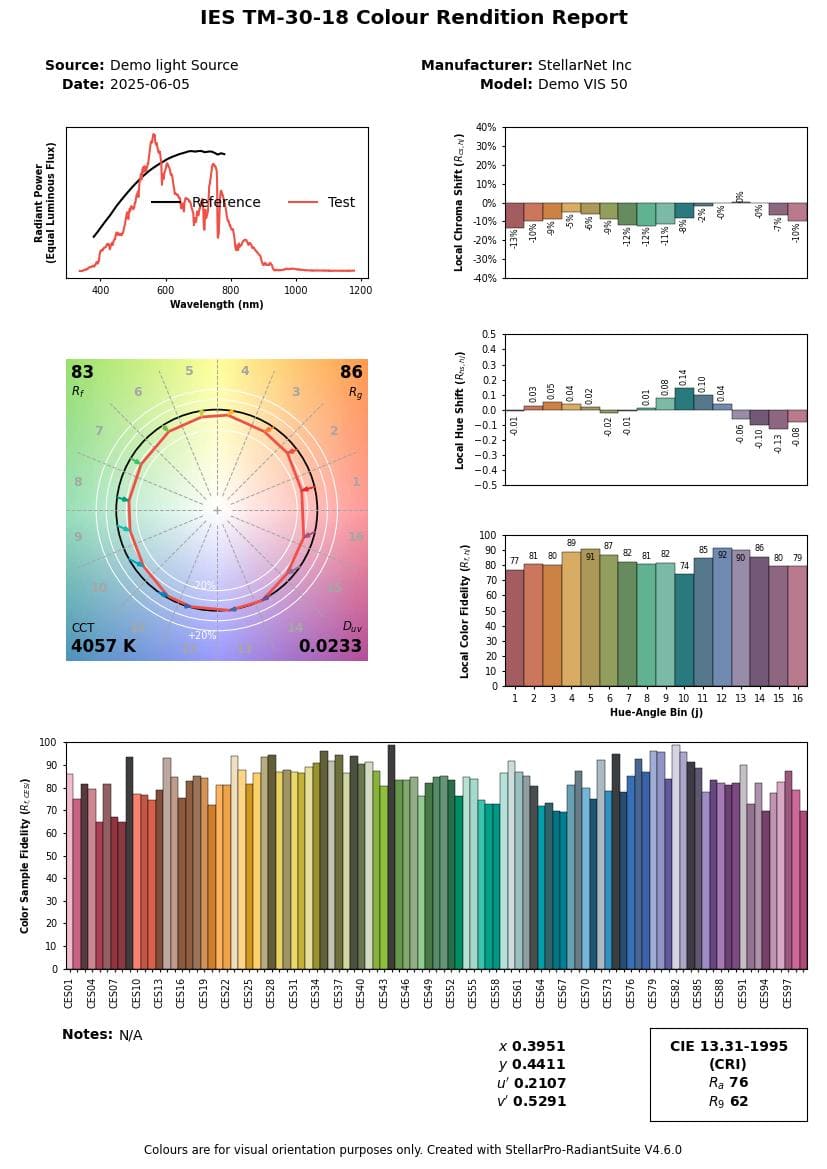
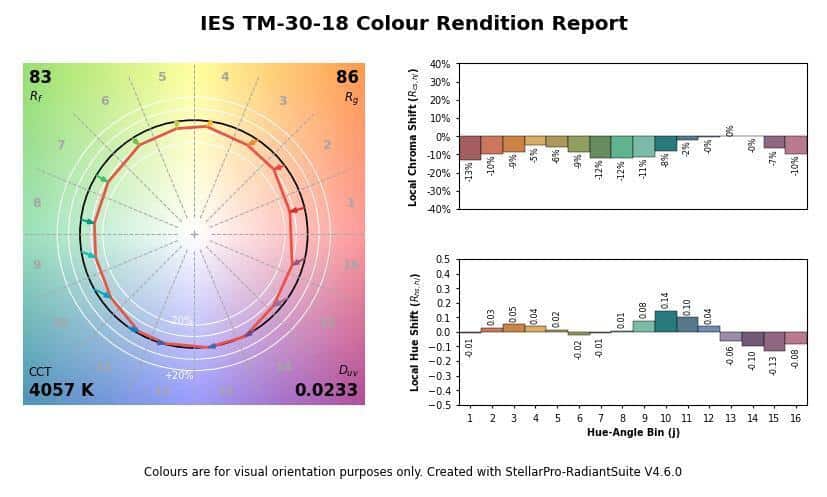
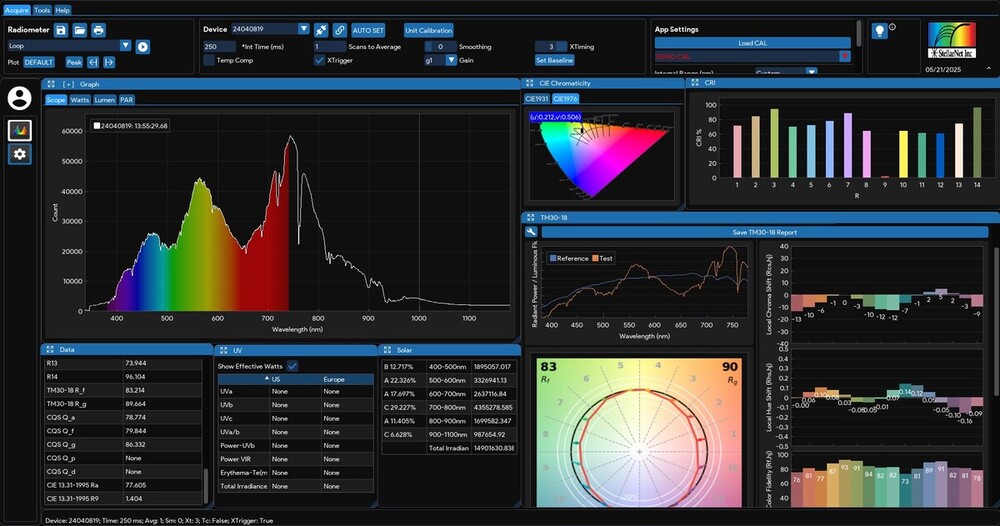
Our new StellarPro RadiantSuite software for Windows/Mac/Linux is a comprehensive, next-generation platform for spectral, radiometric, and colorimetric analysis—engineered for precision and designed for professionals. It introduces advanced tools including full ANSI/IES TM-30-18 support with Fidelity (Rf), Gamut (Rg), and detailed chroma/hue shift visualizations. TM-30 reports can be exported in PDF or image formats, with flexible output options including full, intermediate, or simplified summaries. The modular interface is designed to streamline workflows and enable deeper insights.
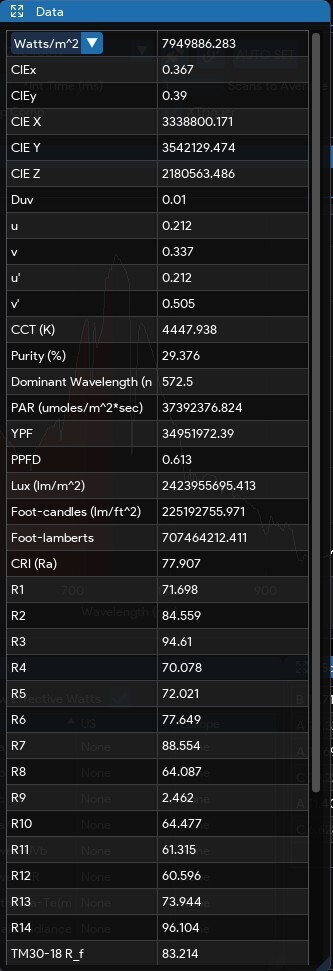
RadiantSuite features synchronized multi-device support, comprehensive calibration integration, and real-time data communication through MQTT. It includes advanced modules for biological light analysis, UV safety monitoring, and solar irradiance tracking—alongside a full suite of chromaticity and tristimulus metrics. Users can define pass/fail criteria, generate customizable reports, and save sessions in CSV, Excel, or PDF. With access controls and white labeling options, StellarPro RadiantSuite delivers a flexible solution that drives precision and efficiency in optical measurement.
Key Features
Color Quality & TM-30-18 Analysis:
- Full ANSI/IES TM-30-18 support, including Rf (Fidelity Index), Rg (Gamut Index), and local chroma/hue shift—plus the ability to generate TM-30 reports in full, intermediate, or simple formats, exported as PDFs or image files
- CRI (Ra) and extended CQS metrics (Q_a, Q_f, Q_g, Q_p, Q_d)
- Advanced color vector graphics and fidelity mapping
- View Sample TM-30-18 Full Report (PDF) – Generated by StellarPro RadiantSuite
Chromaticity & Color Metrics:
- Support for CIE 1931 (x, y), CIE 1976 (u′, v′), CCT, Duv, color purity, dominant wavelength, and XYZ tristimulus values
Radiometric & Photometric Analysis:
- Comprehensive irradiance, radiance, radiant power, illuminance, and luminance metrics
- Biological light analysis including PAR, PPFD, and YPF
Monitoring Modules:
- UV monitoring for safety-critical and photobiological applications
- Solar monitoring compliant with IEC irradiance tracking standards
Calibration & Device Integration:
- Effortless management of calibrations and full hardware integration Synchronized multi-device data acquisition
User Login and Permissions
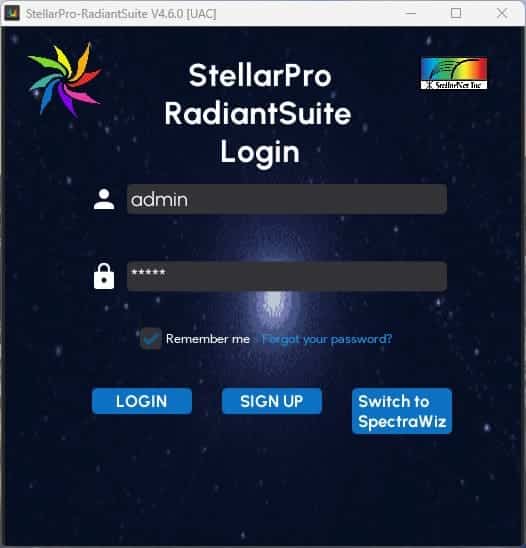
The StellarPro RadiantSuite software features individual user login credentials with data logging as well as Admin and user permission settings. This comes in handy when applying spectroscopy to your business operation. The Admin can create an application or module which than can be set and saved. Subsequent users can login without need or ability to change settings. This guarantees accurate analysis when you need it!
Data Reporting
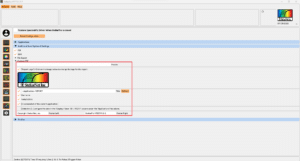
StellarPro RadiantSuite offers customizable data reports to fit your company or universities specific requirements. Users can customize the report header, logo (use your own!), or report title. The logged in user’s name can be printed with the date along with a screenshot of the application module. Just about any of the application module data can be selected and saved to the report! Follow the instruction below for customization details and visit our knowledge base on custom reporting.
- Header: Leave it empty for no header. Alternatively, use the “<Application>” text to display the selected application name.
- Logo: Enable the checkbox to include a logo. You can replace the default logo by clicking on the image and selecting your desired logo.
- Title: Enable the checkbox to include a title in the report. Once enabled, you can use the “<Application>” text to automatically insert the application name.
- Username: Enable the checkbox to include the logged-in username in the report.
- Today’s Date: Enable the checkbox to include the current date in the report.
- Screenshot of the Current Application: Select this checkbox to capture and include a screenshot of the application.
- Data Info: Customize the display and save options for the PDF by configuring the checkboxes in the “Display / Save PDF / MQTT” column under the “Applications” tab. The same settings will be applied to both the application window display and the MQTT publish.
- Footer: The footer is not configurable and is reserved for StellarNet copyright and StellarPro RadiantSuite version information.
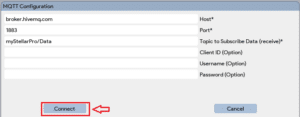
MQTT and Remote Connection
A lightweight publish-subscribe network protocol for message queuing services, designed for connections with remote locations that have devices with resource constraints or limited network bandwidth, such as in the Internet of Things (IoT).
Other Software Options
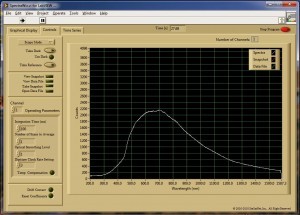
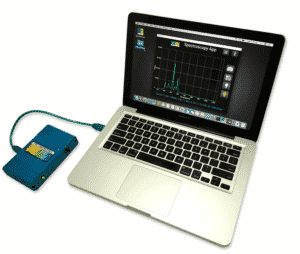



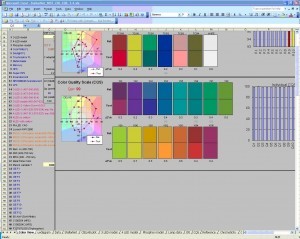


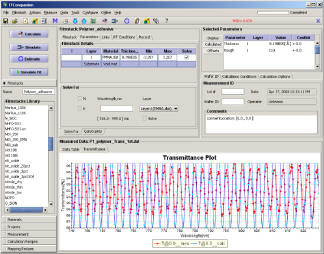
Technical Information Request
BSA Mediated Stabilized Dispersion of Hydrophobic Organic Nanoparticles Produced by Pulsed Laser Fragmentation in Liquid
Akiko Sunada, Tomosumi Kamimura, and Ryohei Yasukuni | Journal of Laser Micro Nanoengineering | August 1, 2026 | 10.2961/jlmn.2026.02.2009 Abstract The complex synthesis of nanopharmaceuticals still faces hurdles regarding stability, sterilization, storage, and...